A closer look
The editor in action
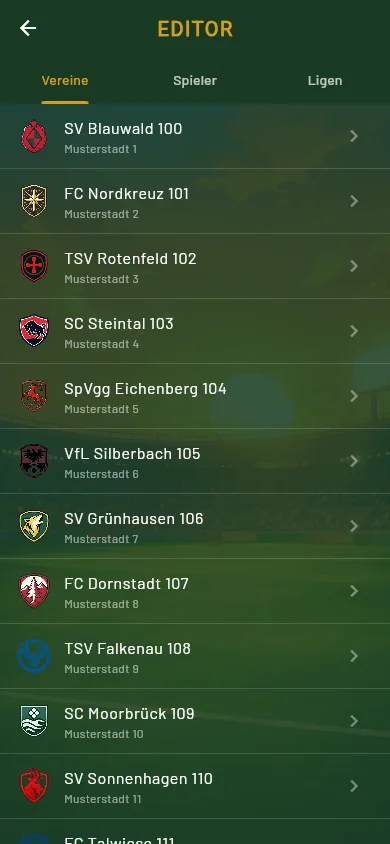
Editor overview
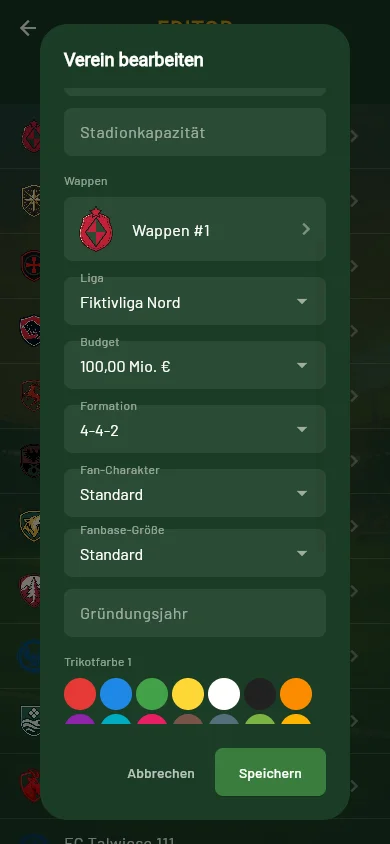
Editing a club
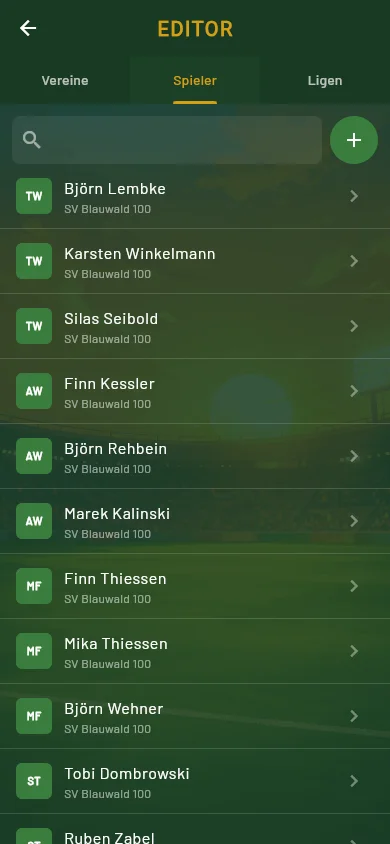
Player list
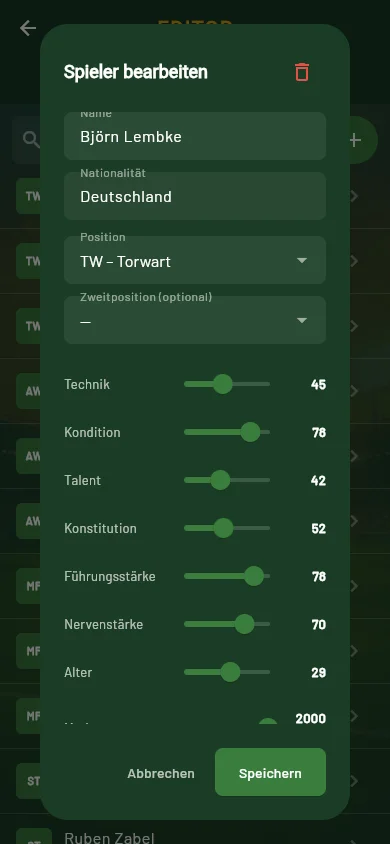
Editing a player
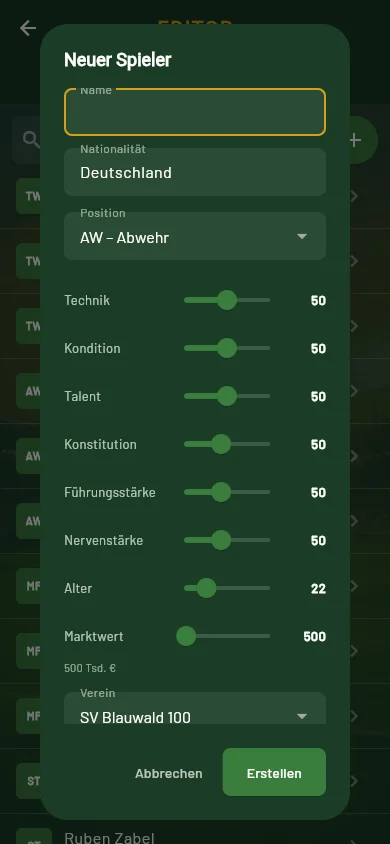
New player
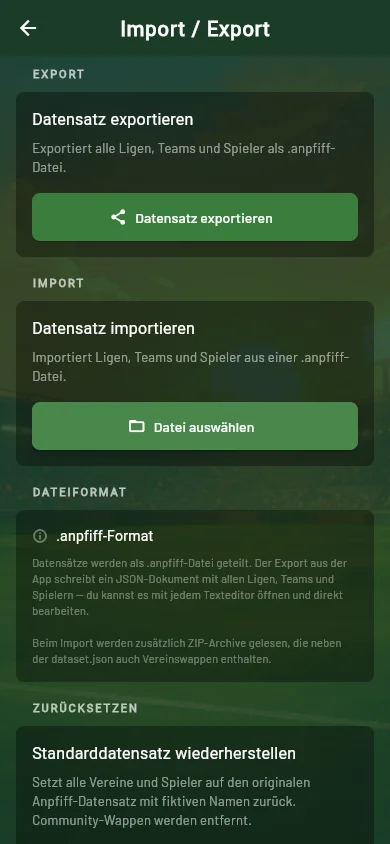
Import & export
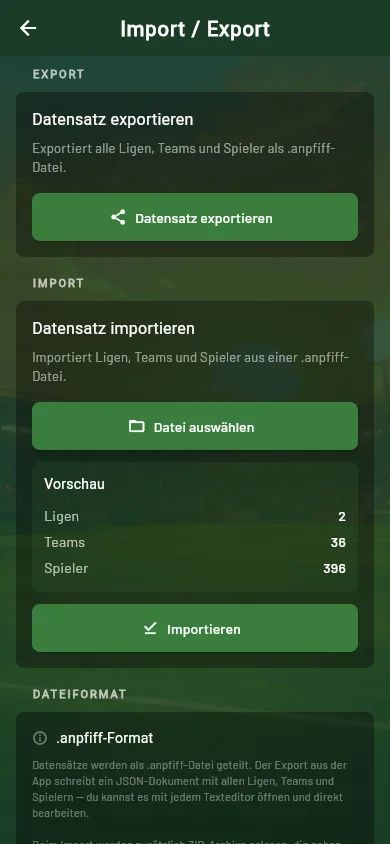
Import preview
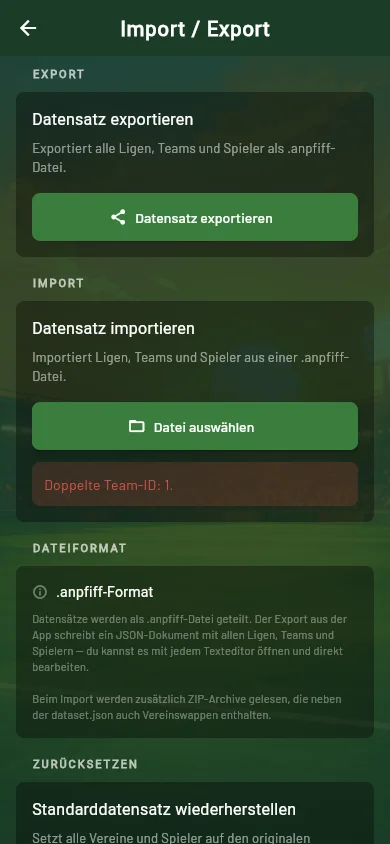
Import error message
Your universe, your rules
Anpfiff puts your football universe in your hands. With the built-in editor, you can shape clubs, players and leagues in detail and make every part feel like your own. Whether you work directly in Anpfiff or with community tools, the open data format gives you and the community everything you need to build, improve and share your own datasets.
What you can edit
Name, short code, city, badge, kit colours, formation, fan character, rivals and fan friendships — make every club your own.
Name, nationality, position, technique, fitness, talent and more. Contract, market value and salary are covered too.
Move clubs between leagues and rename them — from the top domestic division down to the foreign leagues.
Getting started
Note: the editor's interface itself is in German (button labels below are quoted as they appear in the app). The editor is always reachable — even without a running game, straight from the start screen.
Go to Settings → Dataset (German: „Einstellungen → Datensatz") and tap „Editor".
The editor has three tabs of equal rank: Clubs, Players, Leagues (German: „Vereine", „Spieler", „Ligen"). There's no "League → Club → Player" hierarchy — you jump straight to whatever you want to edit.
Name (max. 100 characters), short code (3 letters, auto-capitalised), city, matchup name (max. 24 characters), stadium name with capacity, a badge chosen from 54 built-in designs, league assignment via dropdown, budget tier, formation, fan character, fanbase size, founding year, two kit colours from a 16-colour palette, plus rivals and fan friendships as chips.
Important: the stadium capacity is only saved if you also enter a stadium name. Custom badges can't be uploaded directly — only via a ZIP import (see below).
Name, nationality, position (goalkeeper/defender/midfielder/forward, with an optional secondary position), sliders for technique, fitness and talent (1–99), constitution, leadership and nerve (20–90), age (16–40), market value (1–200,000), salary (up to 50,000) and contract length.
Creating a new player only requires a name — salary and contract are set automatically. Deleting only works for players, not clubs or leagues, and always asks for confirmation.
The Ligen (Leagues) tab lists every league with its tier. A tap opens a dialog that changes nothing but the name — tier, league size and promotion/relegation are fixed. Which club plays in which league is not decided here but in the league dropdown of the club itself.
There is no undo — every change is written immediately. Check your input before moving on.
The most common trap: every league needs exactly 18 clubs, and every club needs at least 11 players. The editor doesn't warn you when moving a club throws a league out of balance — the error only shows up on import, for example as "League 'X' has N teams (expected: 18)." Count before you export.
Export and import do not live inside the editor but on a screen of their own: Einstellungen → Datensatz → „Import / Export" (Settings → Dataset → Import / Export). So leave the editor only once you are done editing.
Tap „Datensatz exportieren" (Export dataset) — this opens your device's share sheet. The resulting file is called anpfiff_datensatz.anpfiff, plain JSON in format v3, including foreign leagues.
Use „Datei auswählen" (Select file) to open a .anpfiff or .json file. Anpfiff first shows a green preview with counters for leagues, teams and players.
Import only happens after you confirm — with the notice: "The current dataset will be overwritten. Your save game (season, matchdays) and your own club (squad, budget) are preserved."
A ZIP import is also possible: dataset.json plus badges/badge_*.webp, each badge up to 2 MB. The app itself never produces a ZIP — only plain JSON on export.
The reset function restores the built-in default dataset at any time.
A closer look
Editor overview
Editing a club
Player list
Editing a player
New player
Import & export
Import preview
Import error message
For tinkerers & community tools
The .anpfiff data format is openly documented. You can build your own
generators, converters or community tools without touching the app itself.
A dataset is either a plain JSON file or a ZIP container (the app detects both
automatically from the magic bytes). At the top level sit version
(2 or 3, missing means 2), exportedAt, and the lists leagues,
teams, players and relations. Unknown fields
are ignored on import — the format is forward-compatible with future extensions.
| Field | Type | Rules |
|---|---|---|
| id | number | Globally unique, positive (0 is reserved) |
| name | string | Display name of the league, max. 100 characters |
| level | number | Required, ≥ 1 — league tier (foreign leagues carry 1) |
| Field | Type | Rules |
|---|---|---|
| id | number | Globally unique; on a fixed ID grid for foreign leagues |
| name | string | Max. 100 characters |
| leagueId | number | Must reference an existing League id |
| players | number | At least 11 per team |
| lineup, bench | string | Optional, JSON-encoded ID array as a string (e. g. "[1,2,3]"). Max. 11 resp. 9 IDs, own players only, no overlap. Leaving them empty ("[]") is the normal case. |
| Field | Type | Rules |
|---|---|---|
| id | number | Globally unique |
| teamId | number | Must reference an existing Team id |
| positionIndex | number | 0–3 (GK/DEF/MID/FWD) |
| technique, fitness, talent | number | Each 1–99 |
| form | number | 1–99 — required in the JSON, hidden in the editor UI |
| Field | Type | Rules |
|---|---|---|
| teamId, relatedTeamId | number | Must reference existing Team ids |
| relationType | string | rival or friend |
All ids must be globally unique, and every reference (leagueId, teamId, relatedTeamId) must point to an existing object. Domestic leagues carry ids below 10 — at least two are required. Foreign leagues live exclusively in the id range 10–15, and their teams sit on a fixed id grid: either complete with 18 teams or not present at all — partially filling a foreign league is invalid.
| Limit | Value |
|---|---|
| Total file size | 50 MB |
| dataset.json inside a ZIP | 20 MB |
| Leagues, maximum | 16 |
| Teams, maximum | 308 |
| Players, maximum | 10,000 |
| Teams per league | exactly 18 |
| Players per team | at least 11 |
| Domestic leagues (ids < 10) | at least 2 |
| Badges inside a ZIP | 2 MB each, maximum |
{
  "version": 3,
  "exportedAt": "2026-08-01T10:00:00Z",
  "leagues": [
    { "id": 1, "name": "Liga Beispiel Nord", "level": 1 }
  ],
  "teams": [
    {
      "id": 1,
      "name": "SV Beispielstadt 1",
      "color1": 4279974507,
      "color2": 4294967295,
      "budget": 5000,
      "formation": "4-4-2",
      "leagueId": 1,
      "fixtureName": "SV Beispielstadt 1"
    }
  ],
  "players": [
    {
      "id": 1,
      "teamId": 1,
      "name": "Spieler 1",
      "positionIndex": 2,
      "technique": 60,
      "fitness": 70,
      "talent": 55,
      "form": 65,
      "age": 24,
      "marketValue": 800
    }
  ],
  "relations": []
}
Excerpt showing every required field of League, Team and Player. An importable dataset additionally needs at least 2 domestic leagues with exactly 18 teams each and at least 11 players per team — the complete minimal example accepted by the game is available as a download below ("Example: minimal").
Questions & answers
No. A dataset only describes leagues, clubs and players. Your save game — season, matchdays played, tables — is left untouched by an import.
Yes. Export, import and dataset processing all happen locally on your device — no server, no upload, no account required.
Yes. The open format can be exported, edited and imported again, so you can share datasets and keep improving them together.
The route to the file differs: on iOS, "Open with" straight from the Files app is enough. On Android, you pick the file via Settings → Import/Export inside the app itself.
No. You can edit clubs, players and leagues directly in Anpfiff. The JSON format is also openly documented for anyone building their own tools.
Get started
Technical docs: Format v3 & downloads • All features at a glance


